Browser-Based AI Video Editing

Free AI Video Editor Edit Videos Online in Your Browser

Edit, trim, cut, subtitle, translate, and repurpose videos with PixLab's browser-based AI video editor. Create short clips from long videos, add animated captions, and export up to 4K without downloading software.

No downloads
No installations
Private browser processing
Free to start
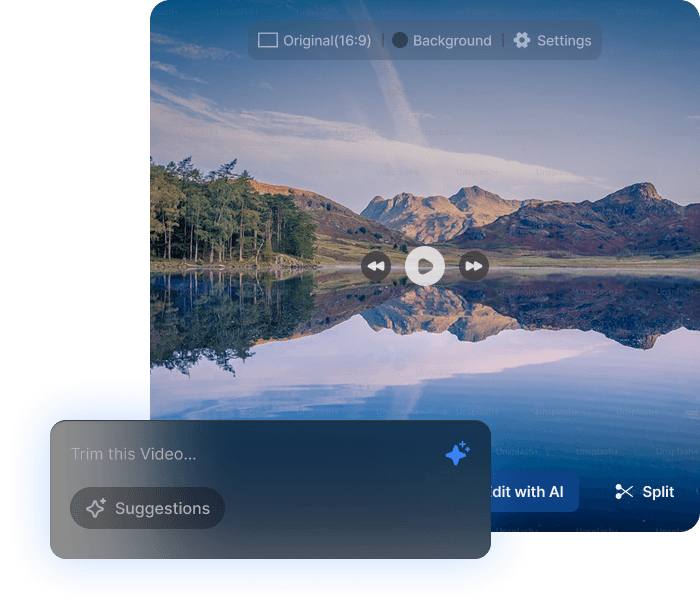
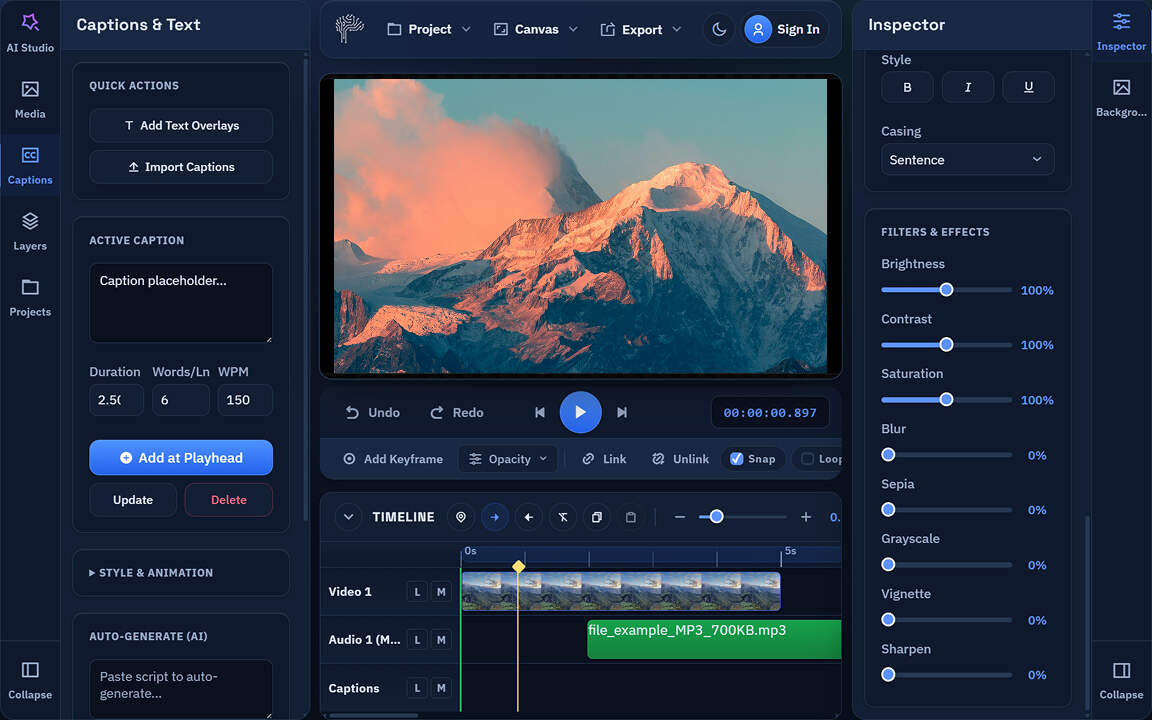
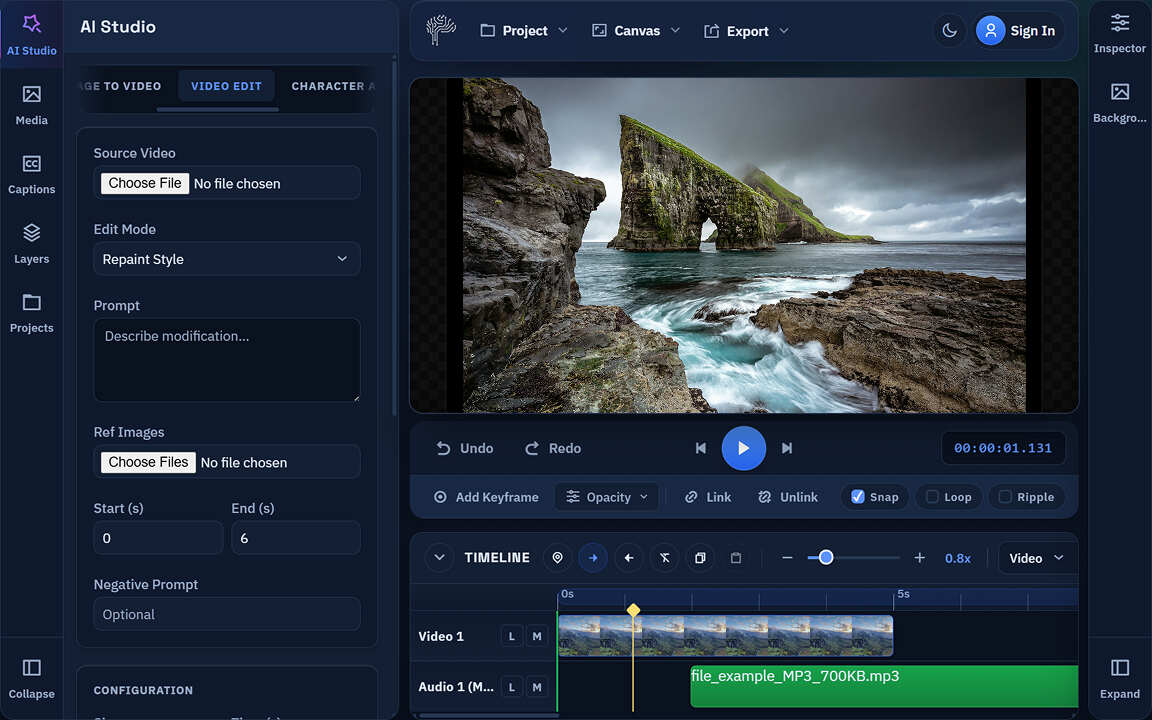
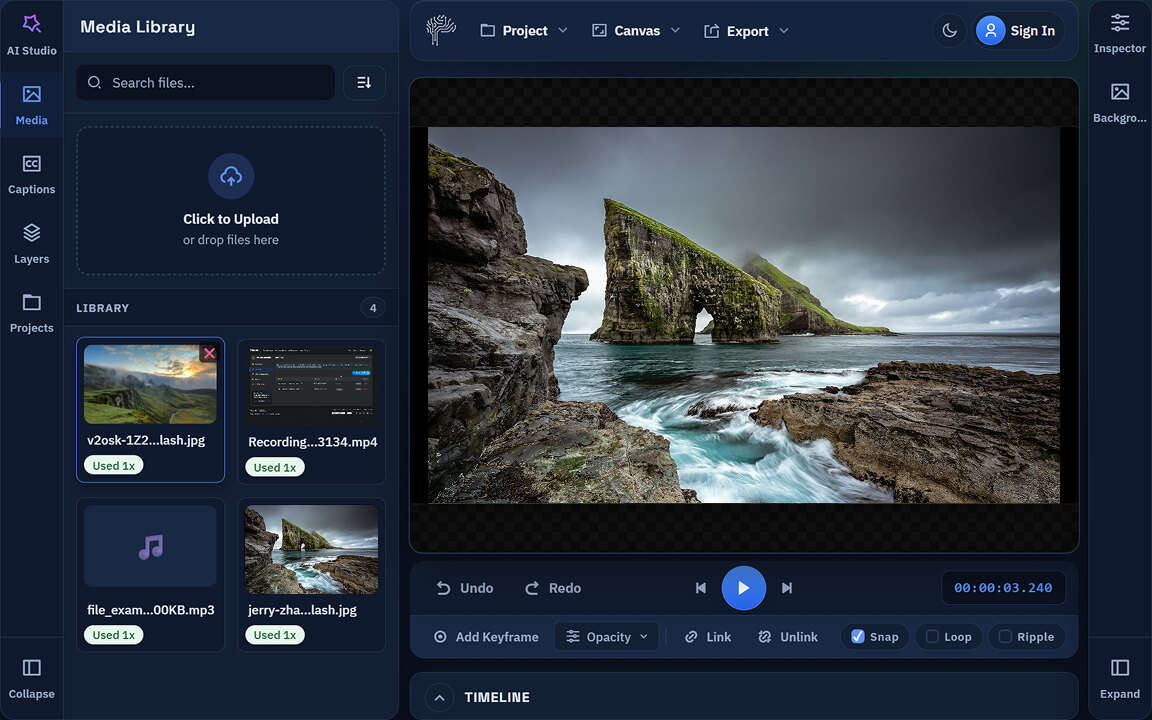
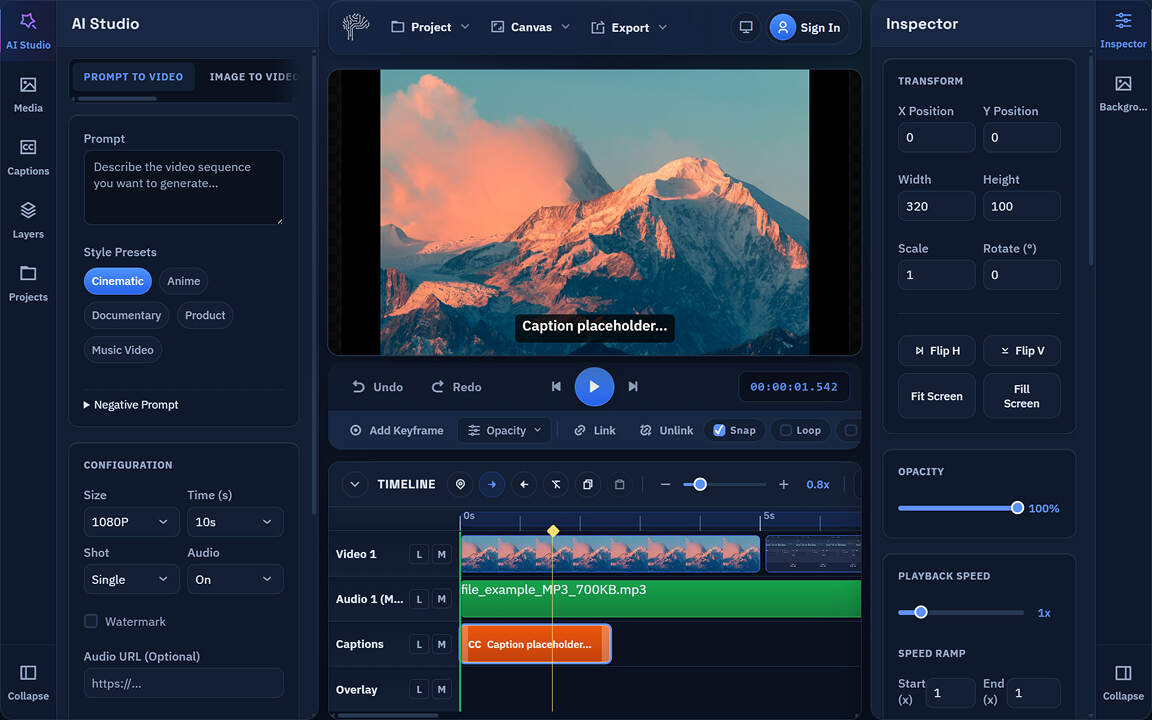
PixLab AI video editor interface for browser-based online video editing

Why Creators Choose PixLab's AI Video Editor

10x

Faster Editing

Compared with traditional desktop workflows

Zero

Downloads Needed

Edit instantly in a modern browser

100%

Private by Design

Processing stays local on your device

50+

AI Video Tools

Automate captions, clips, cleanup, and more

Meet the PixLab Browser-Based AI Video Editor

Edit, enhance, subtitle, and publish videos from one fast browser workflow. PixLab brings professional AI video editing tools online with no installation required.

AI-Powered Editing

Speed up every edit with smart tools for background removal, audio cleanup, color correction, and more. Let AI handle repetitive tasks so you can focus on story, pacing, and polish.

Background Removal Noise Reduction
AI-powered video editing interface with browser-based editing tools

Animated Auto Captions

Generate bold, on-brand subtitles in seconds. PixLab transcribes speech, styles captions, and supports translation into 40+ languages for global reach.

Example Caption

10X YOUR GROWTH

Smart Video Enhancements

Improve raw footage with AI color correction, stabilization, filters, and quick visual cleanup. Create a polished look with far less manual work.

Color Grade Stabilize Filters

Professional Multi-Track Timeline

Trim, split, resize, speed up clips, mix audio, and fine-tune your timeline with desktop-style control inside your browser.

00:00 00:15 00:30 00:45
Image
Intro
Main Concept

See how fast professional video editing can feel in the browser.

Try Browser Editor
Professional Editing Suite Tools
Complete Browser Editing Suite

All the Tools You Need for Professional Editing

Trim, cut, split, resize, and refine videos online with a complete browser-based editing suite. Built for creators, marketers, teams, and businesses that need speed without sacrificing quality.

Precise Video Control

Trim, cut, split, and merge clips with frame-level accuracy.

Smart Aspect Ratios

Resize for TikTok, Reels, Shorts, YouTube, and more in one click.

Dynamic Speed Tools

Control slow motion, time-lapse, reverse playback, and pacing.

Visual & Audio FX

Apply color grading, voice tools, cleanup, and audio mixing.

AI Video Editing Features

Automate subtitles, reframing, silence removal, background cleanup, color matching, and B-roll suggestions in one browser-based workflow.

Auto-Subtitles

Generate synced subtitles and animated captions in 40+ languages with one click.

Smart Reframing

Convert landscape footage into vertical, square, or social-ready formats while AI keeps the subject centered.

Silence Removal

Remove dead air, long pauses, and filler words from podcasts, interviews, and talking-head videos automatically.

Background Removal

Remove or replace video backgrounds without a green screen using precise AI segmentation.

AI Color Match

Match colors across clips for a consistent brand style or cinematic look.

B-Roll Auto-Insertion

Use AI to suggest relevant B-roll and supporting visuals that make every edit more engaging.

AI Short Clip Generator

Turn Long Videos into Short Clips Ready to Post

Upload a podcast, webinar, interview, or long-form video and let PixLab find standout moments automatically. The AI clip generator turns long videos into captioned short clips for TikTok, Reels, and YouTube Shorts in minutes.

AI Scene Detection

Detects highlight moments automatically

Multi-Platform Ready

Optimized for TikTok, Reels, and Shorts

Smart Auto-Subtitles

Adds animated captions for better retention

Batch Clip Processing

Create multiple short clips in one run

AI Clip Generator extracting highlights from long-form video
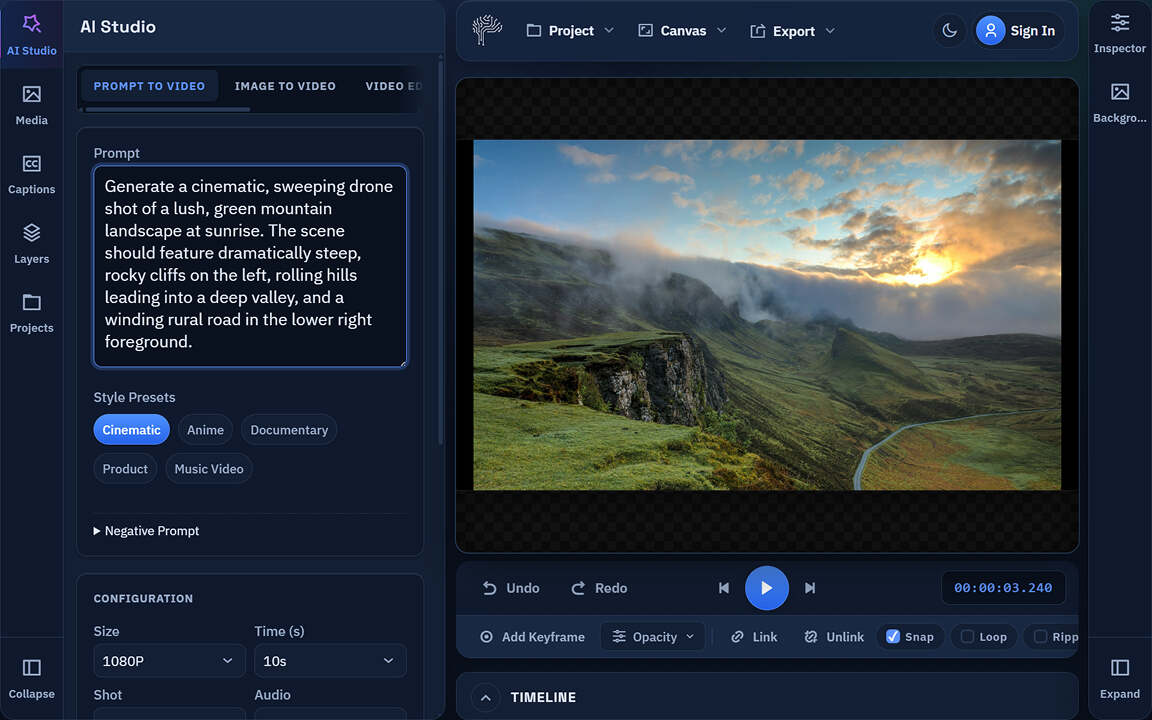
Text-to-Video AI generation interface in browser
AI Text-to-Video Generator

Create AI Videos from Text Prompts or Scripts

Start with a prompt or script and generate polished videos with avatars, voiceovers, backgrounds, and branding - right in your browser.

AI Avatars

50+ digital presenters

Custom Scenes

Create tailored scenes and backdrops

AI Voice Generation

Natural voiceovers in 40+ languages

Brand Customization

Add logos, fonts, and brand colors

AI Voice, Dubbing & Audio Tools

Translate speech, create AI voiceovers, dub videos, and keep your sound consistent across 40+ languages - all from one browser workflow.

Voice Translation

Translate audio into 40+ languages

AI Voiceover

Generate natural-sounding narration

Lip Sync

Keep speech aligned to video

Voice Cloning

Preserve your voice and tone

Built for Fast Video Production

5m

Fast Clip Generation

Average clip turnaround

15GB

Large File Support

Maximum upload size

4k

Ultra HD

Up to 4K exports

40+

Global Reach

AI language support

How to Edit Videos Online with AI

Get professional results in three simple steps with no software to install and no steep learning curve.

Upload Video for Online Editing
STEP 1

Upload or Generate

Drag and drop video files into your browser, or start from a text prompt. PixLab supports major formats up to 4K, and you can begin without creating an account.

AI-Enhanced Online Video Editing
STEP 2

Edit & Enhance

Use AI tools to create clips, remove silence, clean audio, add animated subtitles, replace backgrounds, and refine scenes in a few clicks.

Export and Share Edited Videos Online
STEP 3

Export & Share

Export watermark-free videos in MP4 and more, up to 4K, or publish to YouTube, TikTok, Instagram, and other platforms.

New to browser-based editing? Follow our step-by-step guide to get the most from PixLab's AI video editor.

Read the Full Guide

Built for Every Type of Creator

Whether you publish, teach, promote, or produce client work, PixLab gives you AI tools to move faster and finish stronger.

YouTubers

Cut dead air, build cleaner long-form edits, create shorts, and improve video quality with AI color tools.

Social Media Marketers

Turn podcasts, webinars, and campaigns into captioned short videos for TikTok, Reels, Shorts, and paid social.

Educators & Coaches

Translate lessons into 40+ languages, clean recorded audio, and repurpose webinars into snackable clips.

Businesses & Agencies

Edit confidential videos locally in your browser and keep branding consistent with reusable presets and templates.

Desktop Software vs. Online Video Editing

See why browser-based video editing helps teams move faster, protect private footage, and work from anywhere.

Traditional Video Software

Requires large downloads (2-10 GB)
Needs a full installation and updates
Demands higher system resources
Often uploads files to cloud servers
Limited automation for repetitive tasks
PixLab

PixLab Online Editor

Open instantly in any modern browser
No installation or manual updates
Runs on desktop and mobile devices
Local browser processing for private files
AI tools for captions, clips, cleanup, and more
Browser-Native Performance

Desktop-Grade Video Editing in Your Browser

Powered by WebAssembly, WebGL/WebGPU, and ffmpeg.wasm, PixLab delivers responsive editing, fast playback, and secure local processing without installing desktop software.

WebAssembly Engine

Near-native speed for editing, trimming, and exporting

GPU Acceleration

Hardware-accelerated preview, playback, and rendering

Absolute Privacy

Local processing keeps your files on your device

Cross-Platform Compatibility

Works in Chrome, Firefox, Safari, and Edge

WebAssembly browser video editor with desktop-style performance
Privacy First

Private, Browser-Based Video Processing

Unlike cloud video editors, PixLab processes footage locally in your browser. Sensitive videos stay on your device instead of being uploaded to a remote server.

Local Execution

Processed on your device.

No File Storage

We do not store your source files.

Offline Mode

Edit even with limited connectivity.

Enterprise Security

Built for confidential and client work.

Export Anywhere

Flexible Export Options

Export social videos, client deliverables, and presentation-ready files in the right format, resolution, and aspect ratio.

Multiple Formats

MP4, MOV, WebM, GIF, and AVI.

4K Export Quality

720p, 1080p, and 4K exports.

Social-Ready Formats

Aspect ratios for YouTube, TikTok, Reels, Shorts, and presentations.

Online Video Editing FAQ

Everything you need to know about PixLab's online AI video editor, clip generator, subtitles, privacy, and exports.

Is online video editing as powerful as desktop software?

Yes. PixLab uses WebAssembly and GPU acceleration to deliver fast, desktop-style editing in your browser. You get trimming, subtitles, AI tools, and exports without downloading software.

How does AI clip generation work?

Upload a long video and PixLab analyzes scenes, pacing, and standout moments to suggest short clips. It can generate multiple captioned clips sized for social platforms in minutes.

Which browsers support PixLab's browser-based video editor?

PixLab works in Chrome, Firefox, Safari, and Edge. If your browser supports modern WebAssembly features, you can edit on desktop or mobile with hardware acceleration where available.

How secure is PixLab compared to cloud-based video editors?

PixLab keeps video processing local to your browser, so files do not need to be uploaded for editing. That makes it a strong fit for private footage, client work, and internal teams.

Can I export videos in different formats for social media?

Yes. You can export videos in formats such as MP4, WebM, MOV, GIF, and AVI, with aspect ratios and settings tailored for YouTube, TikTok, Instagram, LinkedIn, and more.

Do I need to create an account to start editing?

No account is required to start editing. You can use the core online tools right away for free, then create an account later to save projects and unlock additional features.

What is the maximum video file size supported?

Free plans support files up to 2 GB, and paid plans go up to 15 GB. PixLab also uses progressive processing to handle larger browser-based projects more efficiently.

Does the free AI video editor add a watermark to my videos?

No. The free AI video editor exports videos without a watermark, so your finished content stays clean on every plan.

Can I translate my video's audio into another language automatically?

Yes. PixLab supports AI voice translation and dubbing in more than 40 languages. You can also use voice cloning to keep translated audio closer to your original tone.

Ready to edit, clip, and publish faster?
Launch PixLab's free AI video editor today

Create short clips, auto subtitles, voiceovers, and 4K exports in one browser-based workflow - no downloads, no installation, and free to start.