Convert Image, Audio, and Video
Right in Your Browser
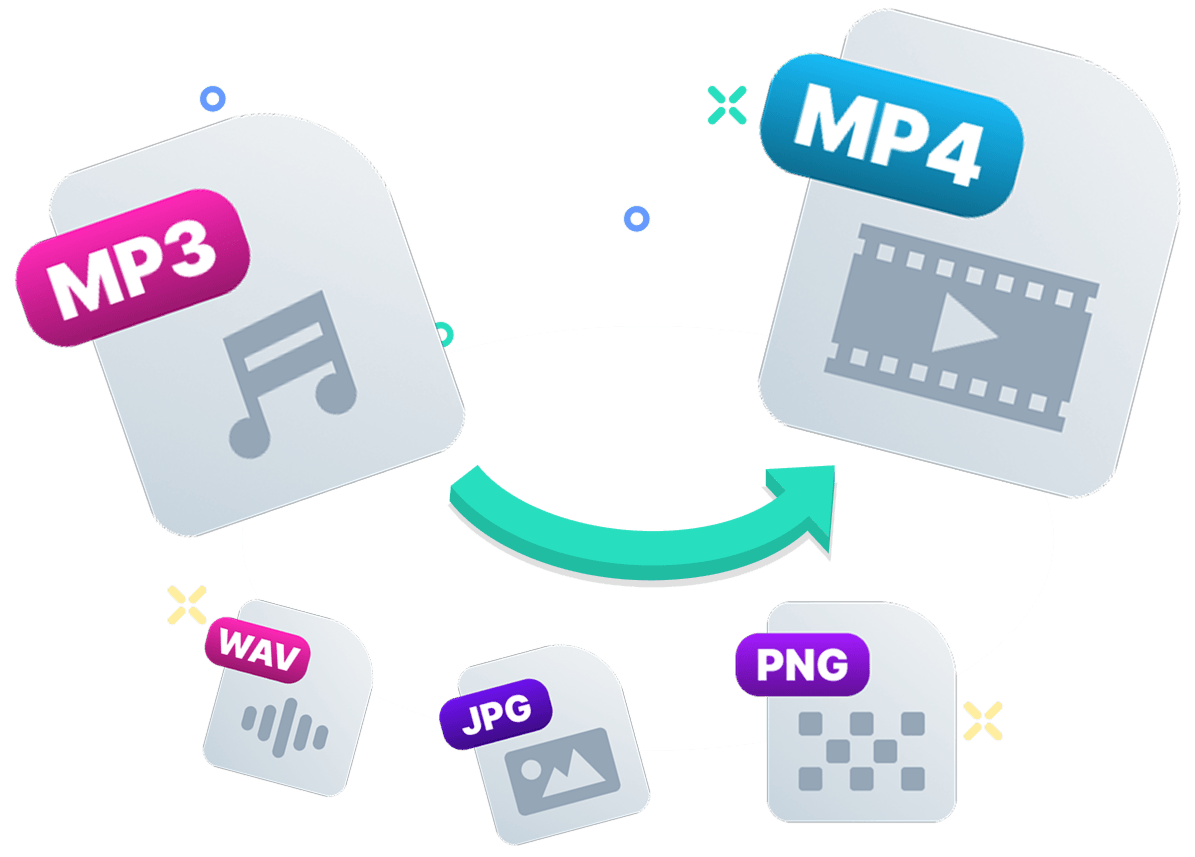
Convert Box handles day-to-day file conversion without sending media to a remote server. It gives teams, creators, and developers a local browser workflow for fast format changes, batch exports, and routine media prep.
- Local processing on your device
- Batch conversion and ZIP export
- Audio extraction and trim controls
- Installable offline-ready web app
Why people choose Convert Box
Most web converters depend on uploads and queue times. Convert Box keeps the workflow local and predictable, which helps with internal assets, client files, QA handoffs, marketing media, and regular format cleanup.
Local by Default
Your files are converted in-browser instead of being uploaded elsewhere.
Quick to Start
No setup flow or account wall for basic conversion tasks.
Fewer Waiting Steps
Skip upload delays and move straight from input to export.
Batch-Friendly
Queue multiple files and download complete output sets as a ZIP.
How Convert Box Works
Convert files in three straightforward steps with no account requirement and no upload queue to work around.
Select Your Files
Add image, audio, or video files from your device to a single conversion queue.
Choose Format & Settings
Choose an output format for each file, then apply presets or tune quality, bitrate, resize, and trim settings.
Convert & Download
Run conversion locally in the browser, then download outputs individually or as one ZIP package.
Ready to test it? Open Convert Box and start converting local files in seconds, with no sign-up required.
Open Convert Box
Convert Confidently
Without Sending Files Away
Convert Box runs conversion jobs in your browser, so files stay in your environment from start to finish. That makes it useful for internal assets, customer files, and routine media prep where an upload step adds friction or policy concerns.
- No external upload step in the workflow
- Useful for personal, client, and internal files
- Cleaner workflow for sensitive media handling
- Lightweight enough for day-to-day team use

Support for Image, Audio, and Video
Convert Box covers the formats most teams use every week, so product, marketing, support, and content workflows can stay in one tool instead of jumping between single-purpose converters.
Images
JPG, PNG, WEBP, GIF, BMP, TIFF, HEIC, and more
Audio
MP3, WAV, OGG, AAC, M4A, FLAC, and WMA
Video
MP4, WEBM, MOV, AVI, MKV, WMV, and FLV
One Interface
Keep different file types in one queue
Batch Conversion & ZIP Downloads
Add multiple files, run conversion once, and export the results together. Batch mode is useful when preparing campaign assets, cleaning up folder archives, or delivering repeat media exports for a team.
- Queue multiple files at once
- Review converted files before downloading
- Download files one at a time when needed
- Download all converted files as a ZIP archive

Per-File Presets and Quality Controls
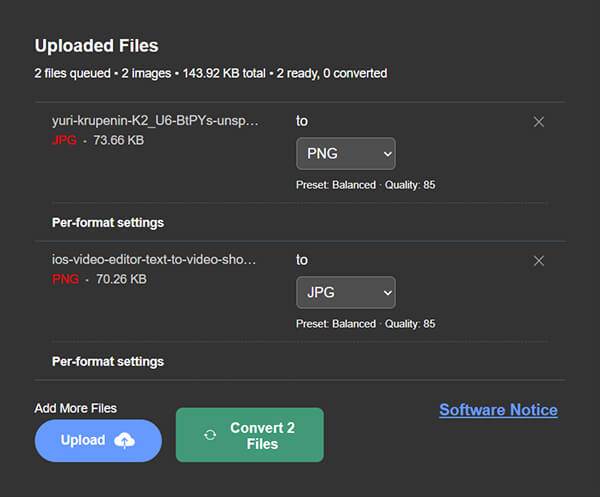
Set export options per file instead of applying one rule to everything. Start with built-in presets, then adjust quality, bitrate, and size only where individual outputs need extra attention.
Image Controls
Per-file quality and compression options
Video CRF & Bitrate
Encoder presets with bitrate control
Audio Bitrate
Sample rate and channel settings
Resize Controls
Resize outputs during export
Audio Extraction and Trim Tools
Need only the audio track from a video? Switch the output format and export the sound, then trim start and end points to produce cleaner clips for interviews, notes, podcasts, and social posts.
- Export audio-only output from video files
- Trim start and end times before conversion
- Create smaller audio-only deliverables
- Useful for highlights, notes, interviews, and archives
Formats you actually need.
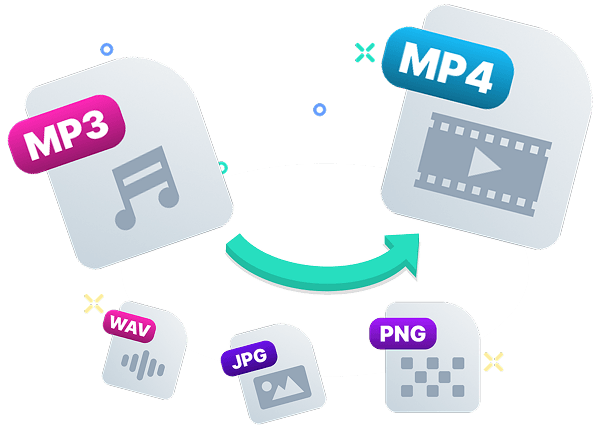
Convert Image, Audio, and Video Files.
Whether you are preparing web assets, extracting audio, or standardizing mixed media files, Convert Box keeps the process fast and predictable.
JPG to PNG
WEBP to JPG
MP4 to MP3
WEBM to MP4
MOV to MP4
WAV to MP3
HEIC to JPG
+ Many more...
Fits into how you already work
Convert Box is built for practical day-to-day work. If you regularly deal with format mismatches, oversized files, or inconsistent export settings, it helps you standardize outputs with less workflow overhead.
Ecommerce Products
Convert product photos into the right format and size before publishing listings.
Interview Transcripts
Extract audio from recorded calls and export to MP3 or WAV for transcription and archives.
Social Media Clips
Trim clips, reduce file size, and export in formats social platforms accept.
Image Optimization
Convert heavy PNGs and screenshots into lighter web-ready formats to improve load speed.
Marketing Campaigns
Export campaign assets in one pass and download them together as a ZIP package.
Web Assets
Prepare images and videos for websites, emails, and landing pages so they load faster and stay clear.

Offline-Ready Web App Experience
Convert Box also works as an installable web app. Once core assets are cached, repeat sessions open faster and key conversion workflows remain usable during unstable connections.
Common Questions
Quick answers about workflow, formats, privacy, and exports.
Is Convert Box free to use?
Do I need to upload my files?
Which file types does Convert Box support?
Can I convert multiple files at once?
Can I extract audio from video files?
Can I control output quality?
Can I trim audio or video-related exports?
Can I download everything together?
Does Convert Box support document conversion?
Does Convert Box work offline?
Convert Files Faster
Without Upload Queues
Convert, compress, trim, and export image, audio, and video files in one browser workflow. Keep media local, move through batches quickly, and hand off finished outputs with less friction.